How to Remove the Background From Clothing Photos Without Photoshop
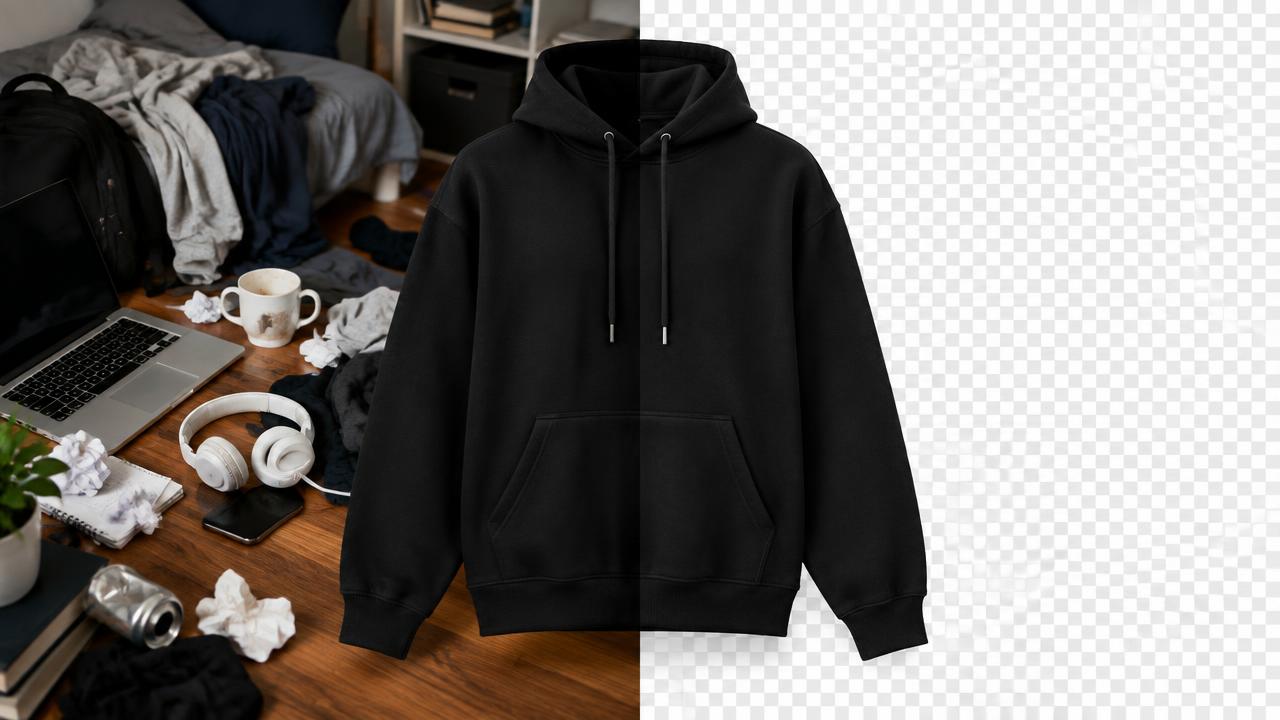
A clean cut-out is the difference between a product page that looks like a brand and one that looks like a classifieds listing. You do not need a desktop editor to get one.
Why cut-outs matter
A transparent PNG lets you place the same garment on a white catalog background, a coloured campaign banner, and a social template without reshooting. It also removes distracting rooms, hands and furniture that pull attention away from the product.
Start with a separable photo
Ready to try it on your own products?
Upload a product photo and get studio-ready shots in minutes — no models, no photographer.
Automatic removal works best when the garment and background differ in tone. Shoot a dark garment on a light surface and a light garment on mid-grey. Avoid a white shirt on white sheets — the edge becomes a guess. Keep the garment away from the wall so its own shadow does not merge into the outline.
The hard cases
Quality checks before you publish
After the cut-out
A transparent garment on its own rarely sells. Add a soft ground shadow so it sits in space, place it on a consistent background across the catalog, and keep the same padding and position for every item. If you want catalog-grade shape as well — standing collar, correct drape, visible inner lining — generate a ghost mannequin session from the same reference instead of stacking edits on a flat photo.
Read next
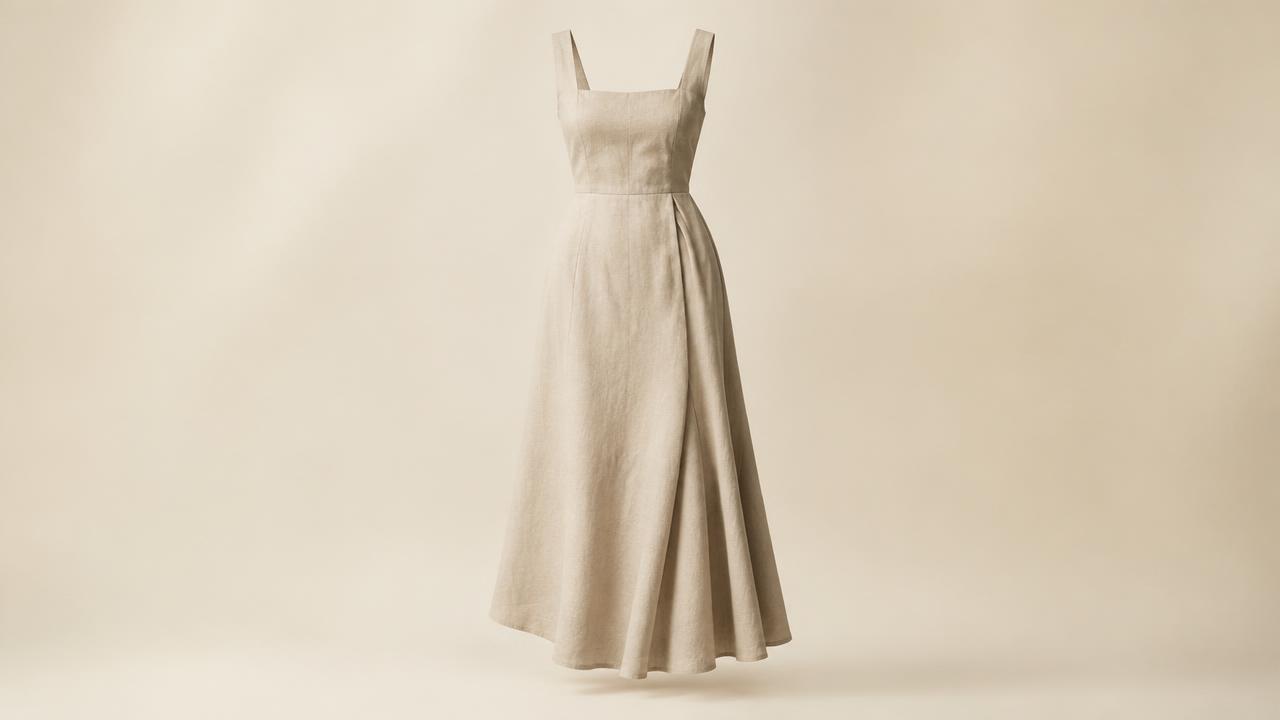
Clothing Photography Without Models: A Complete Catalog Approach
How to build a desirable, complete fashion catalog with no models — and why many brands prefer it.
Read article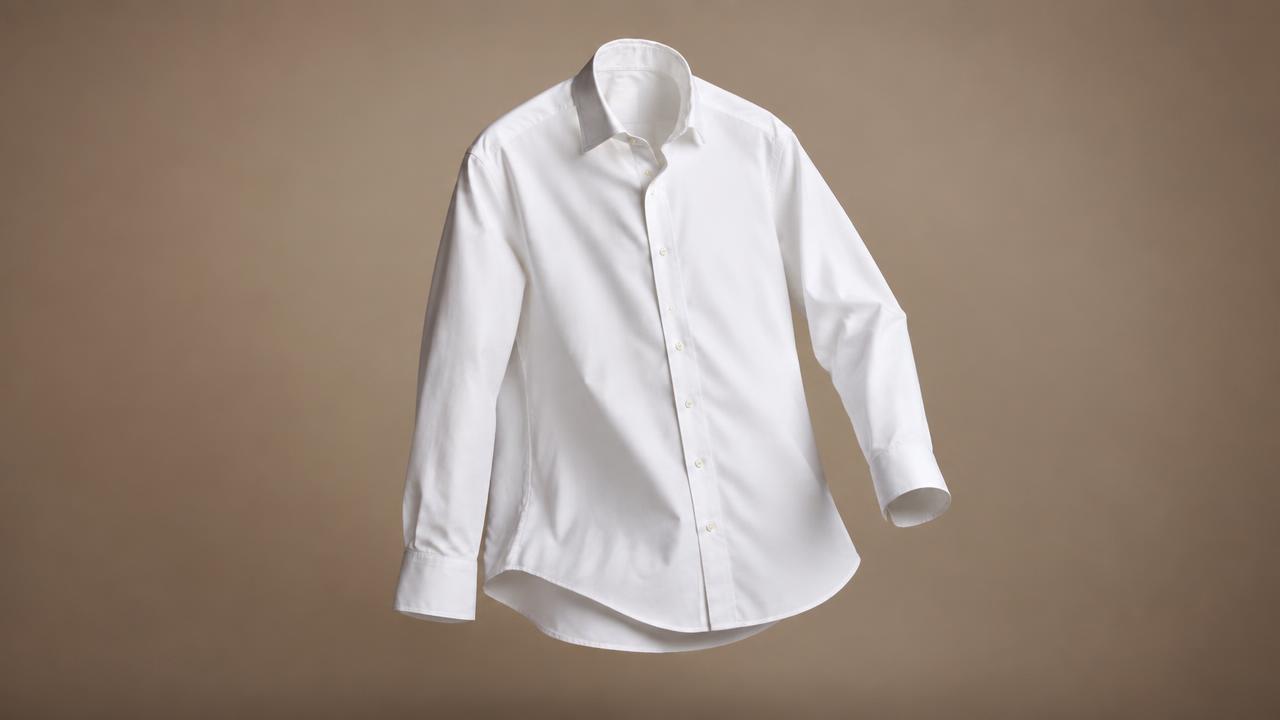
Ghost Mannequin Photography: The Complete Guide for Clothing Brands
What ghost mannequin photography is, why catalogs use it, and how to produce it from a single phone photo.
Read articleReady to try it on your own products?
Upload a product photo and get studio-ready shots in minutes — no models, no photographer.