Nine Product Photo Mistakes That Quietly Cost You Sales
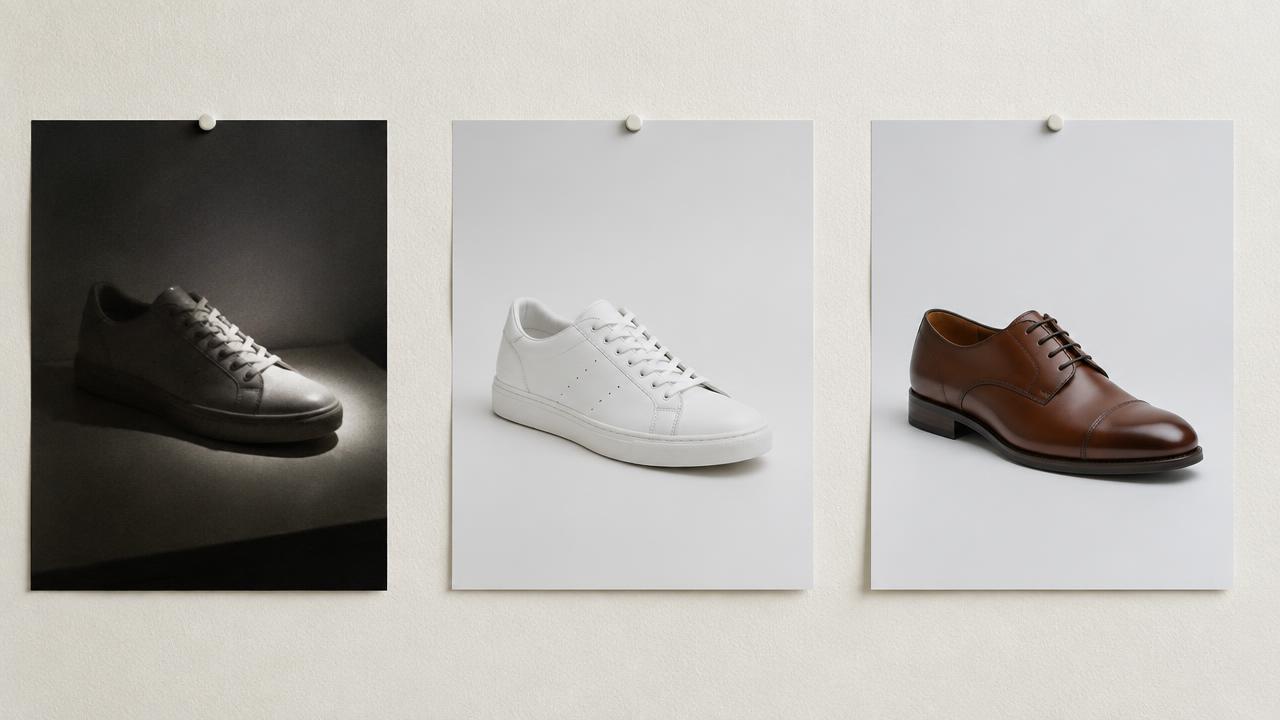
Most catalogs do not lose sales because of one terrible photo. They lose sales through nine small inconsistencies that add up to "this store does not look safe to buy from."
1. Mixed backgrounds. Some items on white, some on a wooden table, some in a living room. Pick one background and apply it to the entire catalog.
2. Inconsistent framing. Products at different sizes inside the frame make a collection page feel chaotic. Fix the padding once and apply it everywhere.
3. Mixed light temperature. A window plus a warm bulb makes colour unfixable. Turn off the lamps.
4. Wrong colour. Returns spike when the product arrives a different shade. Check every image against the physical item, and never grade colours for mood on a product shot.
5. No scale reference. Shoppers cannot tell if a bag is a clutch or a tote. Add one photo with a familiar object, or state the dimensions in the description.
6. No detail shot. Fabric weave, stitching, hardware and lining are what justify a premium price. Include at least one macro per product.
7. Missing angles. One front photo is not a product page. Front, back, side and a detail is the minimum; for shoes add a sole and a pair shot.
8. Heavy filters. Grain, vignettes and strong contrast hide texture and make the item look different from reality.
9. Oversized files. A 6 MB image slows your page. Export under about 500 KB per image and let the storefront generate its own smaller versions.
A one-hour audit
Open your collection page on a phone. Scroll it as a stranger would. Ask three questions: does every tile look like the same store, can I tell what each item is without reading, and does anything look like it was photographed at home? Then list the worst ten products and fix only those first — a catalog improves fastest from the top sellers down.
Build a template, not a habit
Ready to try it on your own products?
Upload a product photo and get studio-ready shots in minutes — no models, no photographer.
Write your standard down: background, distance, angle, padding, resolution, file format. Anyone in your team should be able to produce a compliant photo without asking. Consistency is worth more than perfection on any single image.
Read next
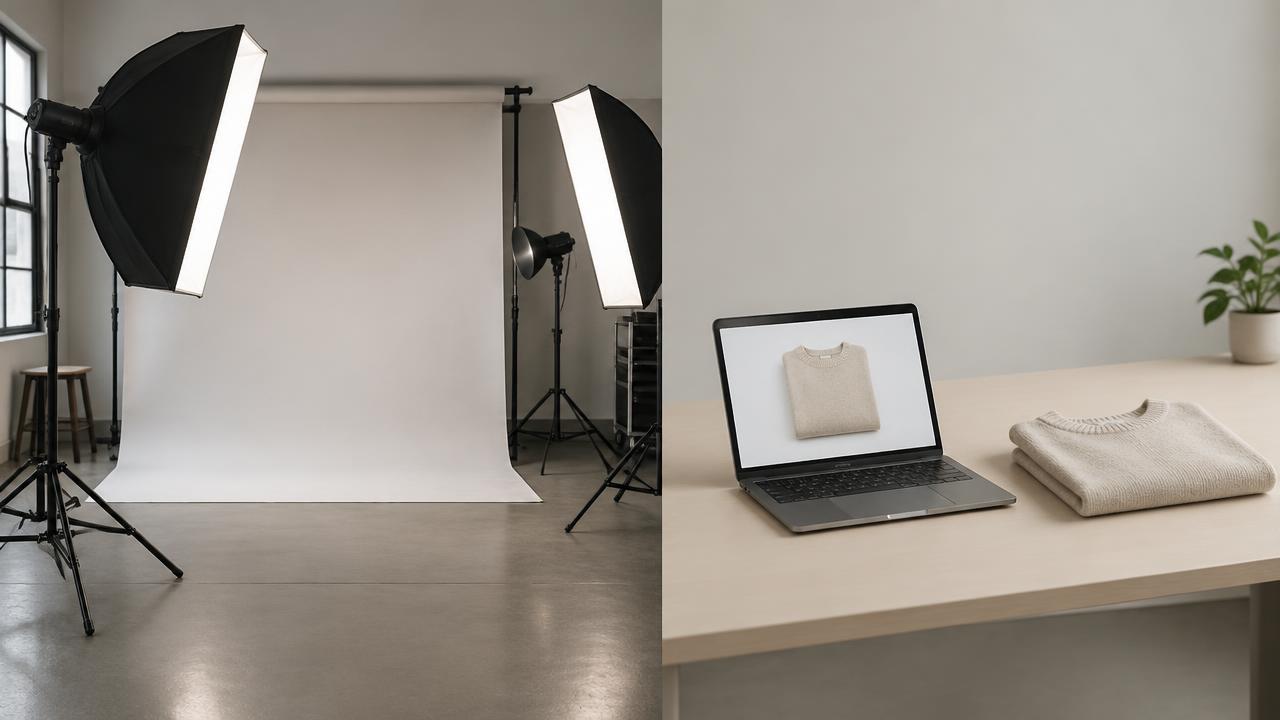
Studio Shoot vs AI Product Photography: An Honest Cost Comparison
What each option really costs per product, where each one wins, and how most brands end up combining them.
Read article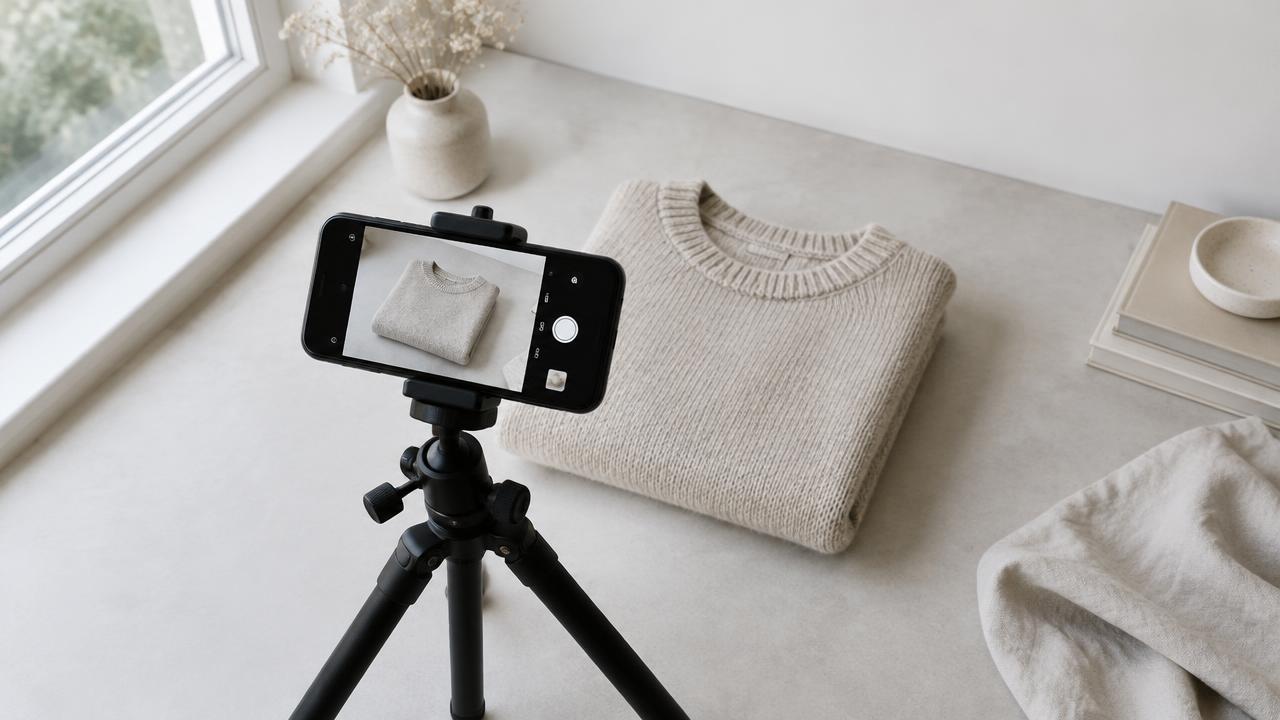
How to Shoot Product Photos With Your Phone (That AI Can Actually Improve)
A repeatable phone setup for clothing and product shots, and the reference photos AI tools need to give you clean results.
Read articleReady to try it on your own products?
Upload a product photo and get studio-ready shots in minutes — no models, no photographer.