Product Image Sizes for Shopify, Salla, Instagram, TikTok and Noon (2026)
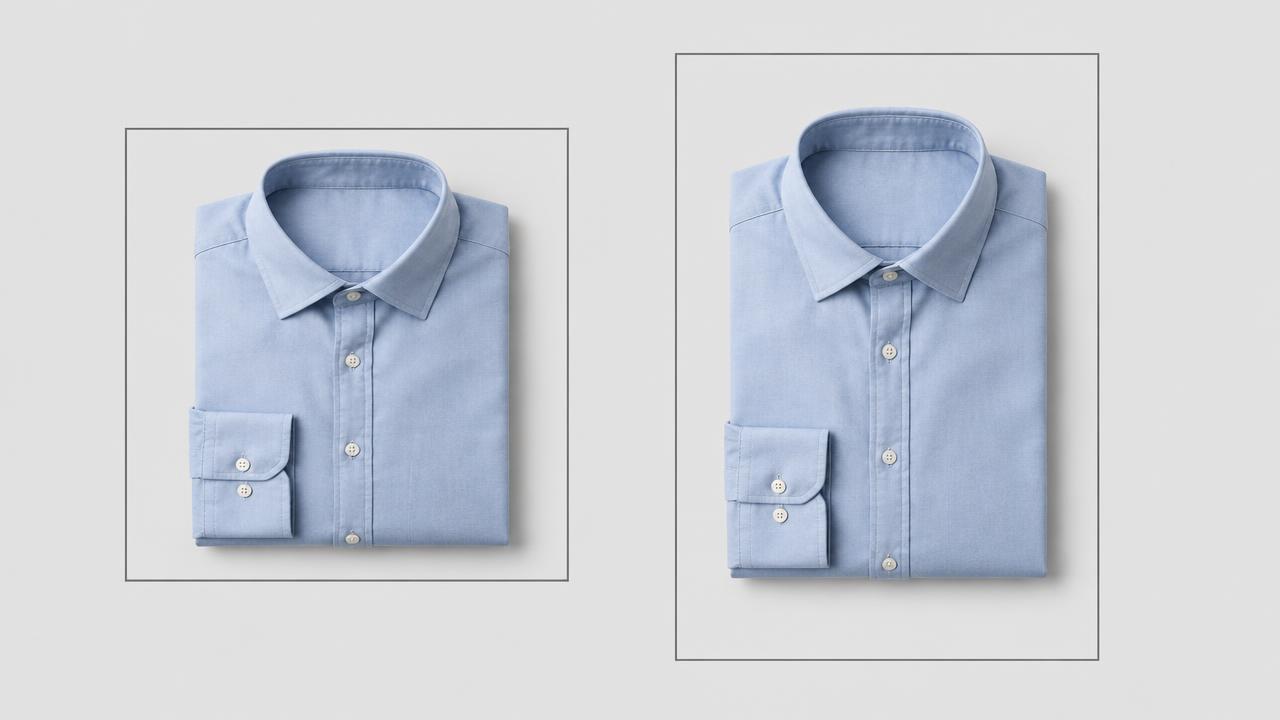
Every channel crops differently. If you upload one size everywhere, something important gets cut. Here are the sizes that matter and why.
Online stores
Ready to try it on your own products?
Upload a product photo and get studio-ready shots in minutes — no models, no photographer.
Social
Website banners
16:9 at 1920 x 1080 px for desktop hero sections. Always provide a separate square or vertical crop for mobile instead of letting one wide banner shrink.
Padding and placement
Leave a consistent margin — around 6% to 10% of the shorter side — between the product and the frame edge. Consistent padding makes a collection page look designed. Centre the product on the horizontal axis, and keep its visual weight slightly above centre vertically.
Format
Use JPEG for photos on a solid background and PNG only when you need transparency. WebP is smaller and widely supported; most storefronts convert automatically on upload.
One workflow
sku-front-1x1.jpg.A browser-based resizer handles steps 3 and 4 in seconds, with no upload and no subscription — the master image stays on your device.
Read next

Turning One Product Photo Into a Reels and TikTok Video
A simple structure for short product videos, why sound design beats music, and how to keep the product the hero.
Read article
Writing Arabic Product Descriptions That Actually Sell
Why translated English copy underperforms in Arabic markets, and a structure that works for Gulf and Egyptian shoppers.
Read articleReady to try it on your own products?
Upload a product photo and get studio-ready shots in minutes — no models, no photographer.