Turning One Product Photo Into a Reels and TikTok Video
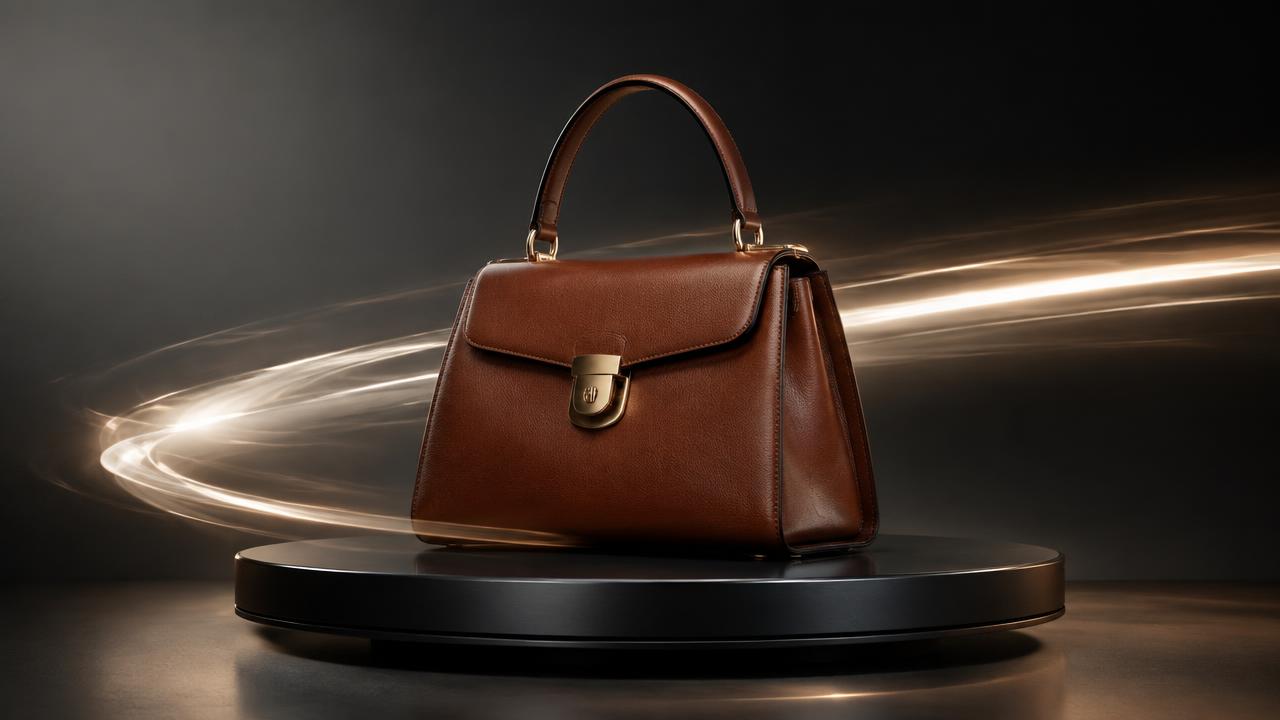
Short video is where discovery happens now. You do not need a production crew — you need one clean product image and a clear structure.
The structure that works
Ready to try it on your own products?
Upload a product photo and get studio-ready shots in minutes — no models, no photographer.
Anything longer needs a reason. A ten-second loop that plays three times beats a thirty-second clip watched once.
Vertical, always
Shoot and export 1080 x 1920 px. Keep the product and any text inside the middle 70% of the height; the top and bottom are covered by the interface. Never upload a horizontal video with black bars.
Sound: design, not music
Sound design — fabric movement, a soft shutter, a gentle whoosh on the camera move — carries a product video better than a music bed. It is unobtrusive, it works when a viewer watches with sound off and on, and it avoids licensing problems entirely. We use sound effects only, never music tracks, so your videos stay safe to run as ads in any market.
Text on screen
One line, large, high contrast, placed in the middle third. Write the benefit, not the brand slogan: "Structured cotton, holds its shape after washing" outperforms "Timeless elegance". If your audience reads Arabic, set the text right-to-left and use a font that renders Arabic properly rather than a Latin font with fallback glyphs.
Making it from a still
Generate a studio session for the item first, then animate the best frame with a slow camera move. This keeps the product truthful — no invented details — while giving you motion. Produce three variants per product: a rotation, a detail push-in, and a light sweep. Post all three to different placements and keep the one that holds attention longest.
Measure the right thing
Watch-through rate in the first three seconds tells you whether the opening frame works. Saves and shares tell you whether the product is desirable. Clicks tell you whether the text line is doing its job.
Read next
Studio Shoot vs AI Product Photography: An Honest Cost Comparison
What each option really costs per product, where each one wins, and how most brands end up combining them.
Read article
How to Shoot Product Photos With Your Phone (That AI Can Actually Improve)
A repeatable phone setup for clothing and product shots, and the reference photos AI tools need to give you clean results.
Read articleReady to try it on your own products?
Upload a product photo and get studio-ready shots in minutes — no models, no photographer.